Free UI assets for Unreal Engine (UMG)
Unreal packs ship the layered PNGs together with the margin values you need for Slate Brush borders in UMG.
⚠ Unreal margins are fractions, not pixels
Slate Brush margins are normalised 0–1 values relative to the texture size, while every other engine (and our manifest.json) uses pixels. Divide: a 24px border on a 256px-wide texture is 24 / 256 = 0.09375. Typing 24 into that field gives you a margin twenty-four times the texture, which renders as a solid smear.
1. Import the PNGs
Drag the png/ folder into the Content Browser. Unreal creates a Texture2D per file.
Select all of them, then in the details panel set Texture Group to "UI", Compression Settings to "UserInterface2D (RGBA)", and Mip Gen Settings to "NoMipmaps". Without these, UI art gets compressed and mip-blurred.
2. Build the Slate Brush
In your UMG widget, add an Image and expand Appearance → Brush.
Set Draw As to "Box" for 9-slice behaviour (or "Border" if you want the centre left empty).
Fill the Margin fields with the manifest pixel values divided by the texture dimension — see the warning above.
margin_left  = slice_left  / texture_width
margin_right = slice_right / texture_width
margin_top    = slice_top    / texture_height
margin_bottom = slice_bottom / texture_height
3. Button states
Use a Button widget and assign the pack's normal / hovered / pressed / disabled textures to the corresponding brushes in Style. Each brush needs its own Draw As and Margin values set the same way.
4. Reuse via a Widget Style asset
Rather than repeating the margins on every widget, create a Slate Widget Style asset (Content Browser → Add → User Interface → Slate Widget Style) and reference it. One change then updates every button in the project.
FAQ
My UI textures look muddy in-game but fine in the editor.
Compression Settings is still on the default. Set it to UserInterface2D (RGBA) and disable mipmaps.
Is there an Unreal-native asset in the pack?
No .uasset — those are version-locked and would break across engine releases. The pack ships the PNGs plus the margin table, which is stable across every Unreal version.
Can I use these in a commercial Unreal game?
Yes. Free for commercial use, no attribution required. See the license page.
Packs with Unreal Engine (UMG) files
-
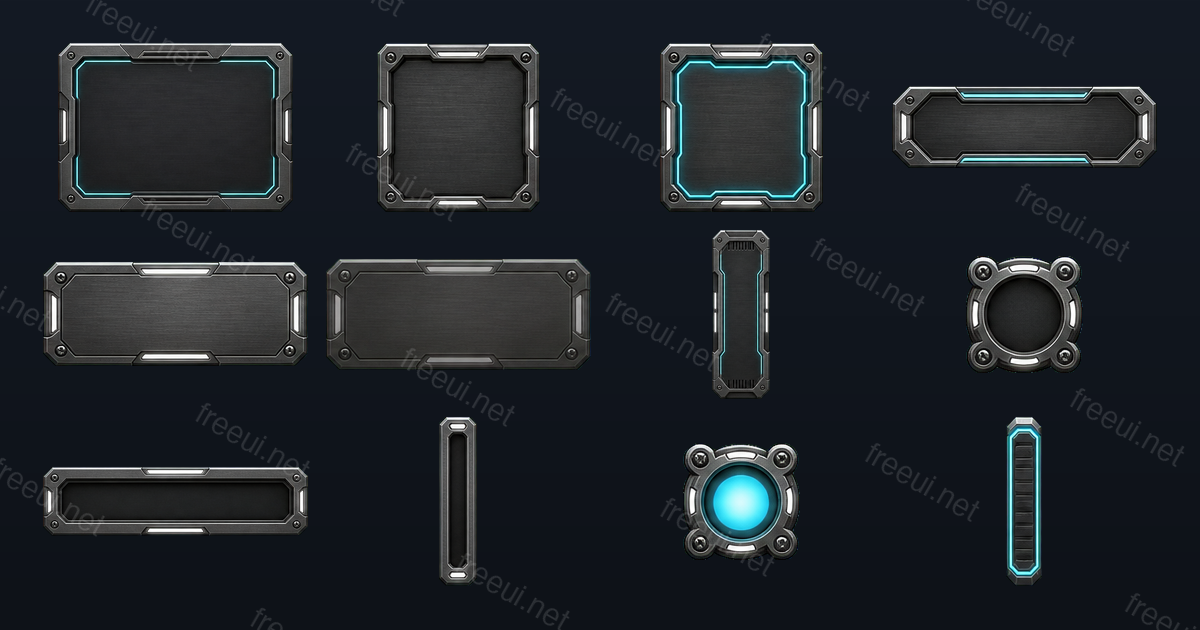 Sci-Fi Metal Panels 12 assets · Sci-Fi
 -
 Sci-Fi Interface Icons 12 assets · Sci-Fi
 -
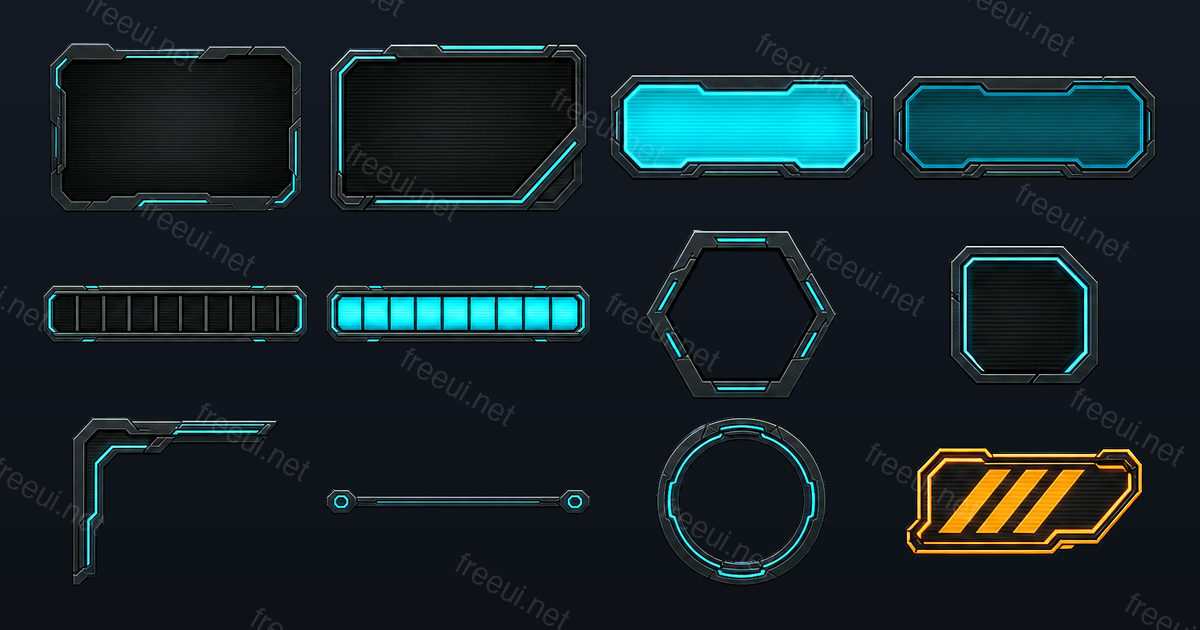 Sci-Fi HUD Frames 12 assets · Sci-Fi
 -
 Fantasy RPG Badges & Icons 12 assets · Fantasy RPG
 -
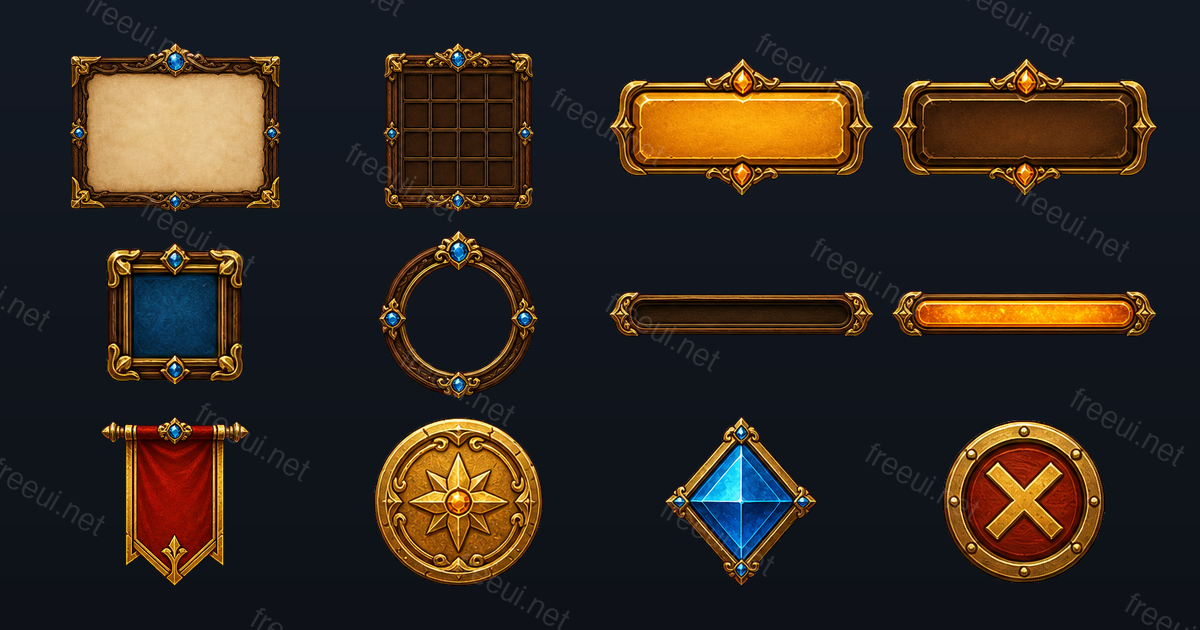 Fantasy RPG Frames & Panels 12 assets · Fantasy RPG
 -
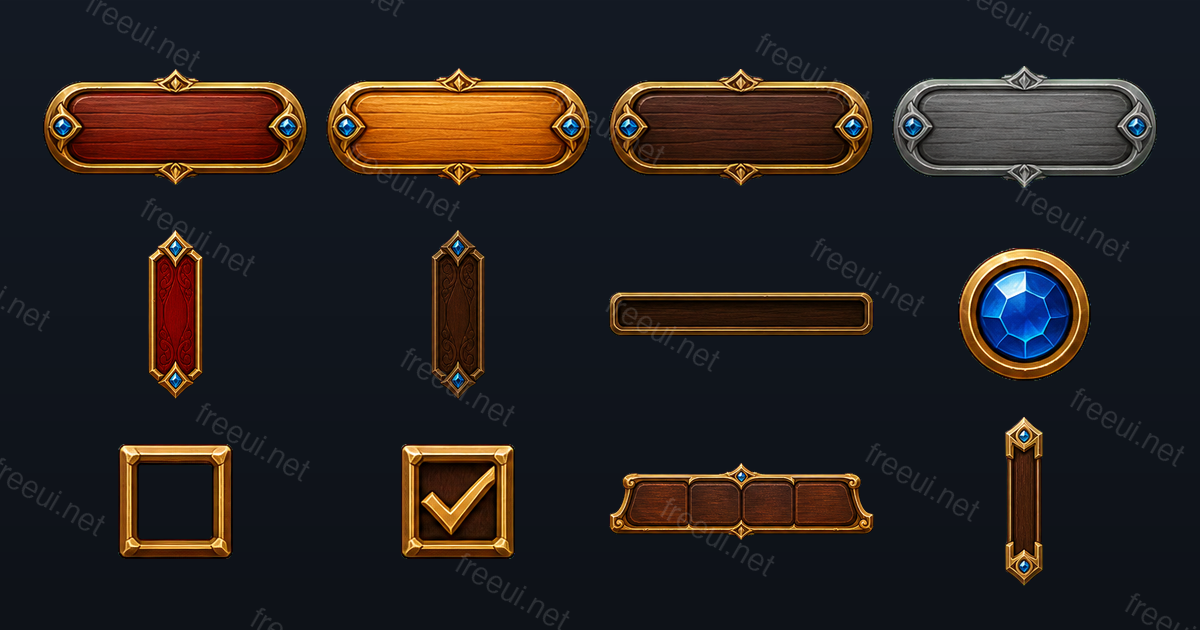 Fantasy RPG Buttons & Controls 12 assets · Fantasy RPG
 -
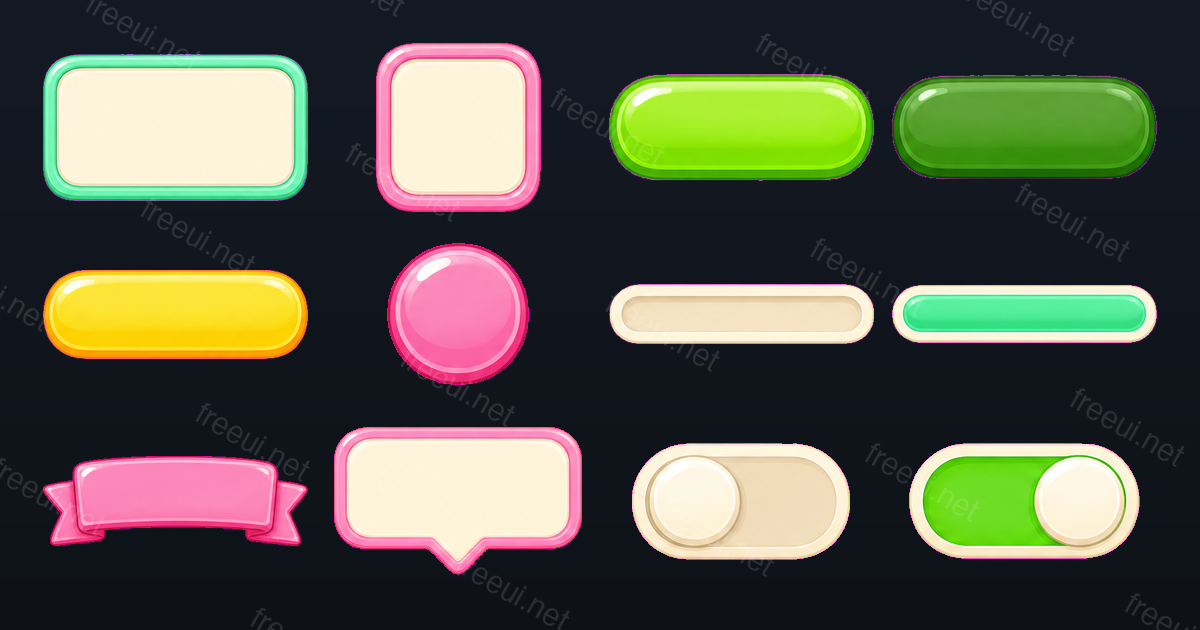 Candy Casual Panels & Bars 12 assets · Casual
 -
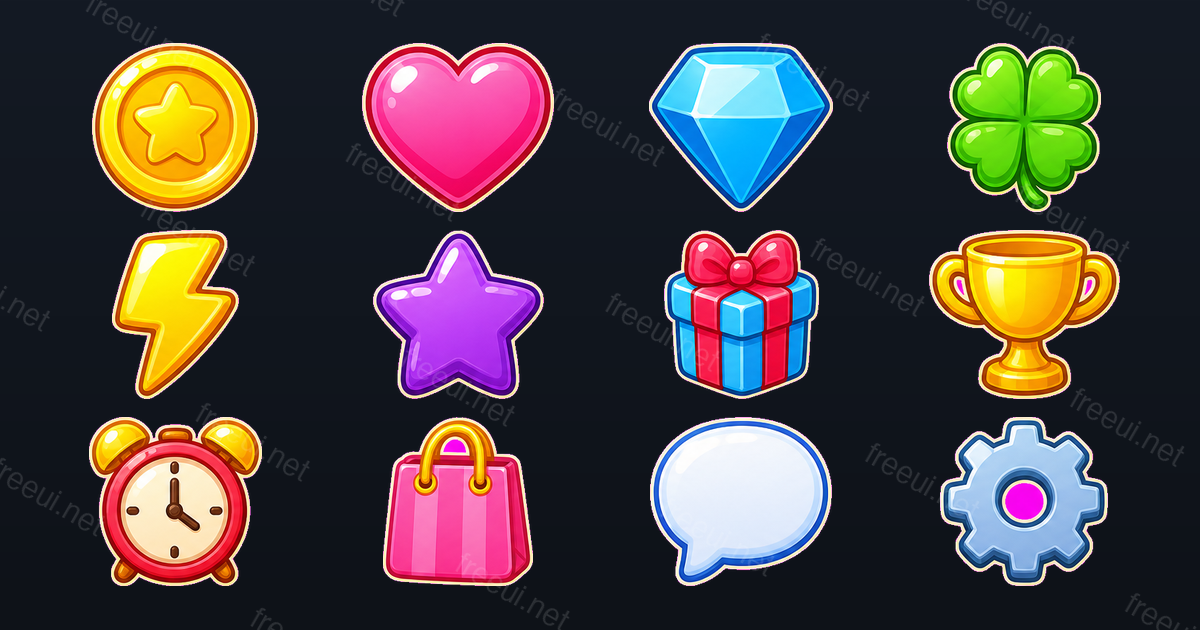 Candy Casual Icons 12 assets · Casual
 -
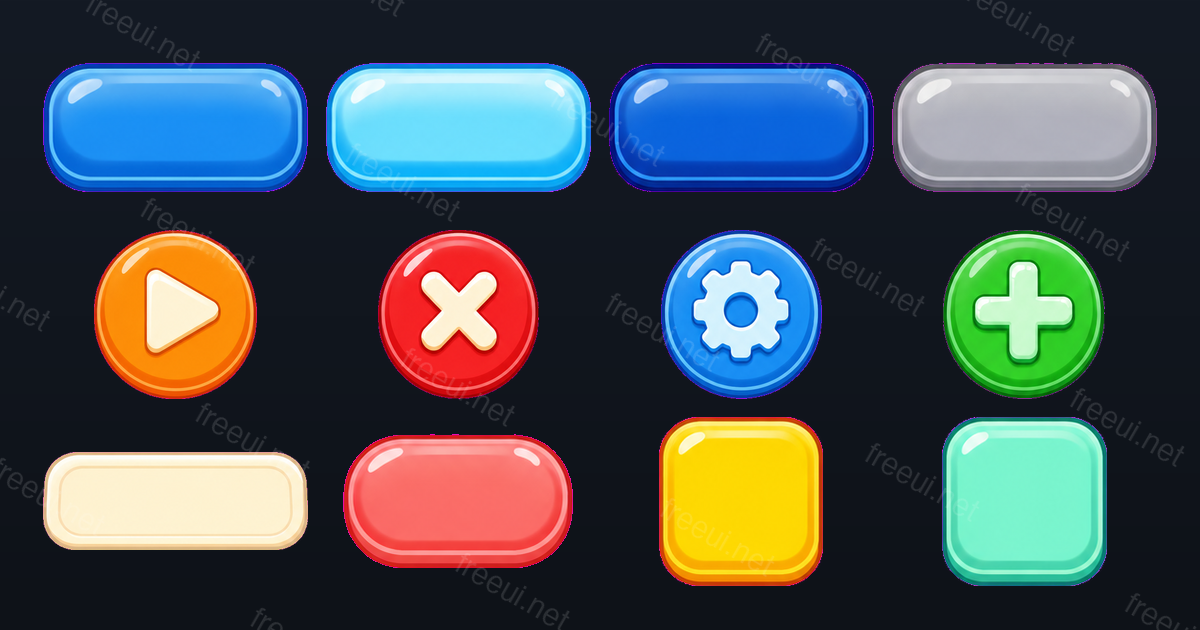 Candy Casual Buttons 12 assets · Casual
Want this output for your own art style?
Every pack here was produced by CozyUI — upload a screenshot or a mockup and get the same layered PNGs, measured 9-slice margins and Unreal Engine (UMG) files built around your design.