Free UI assets for Godot 4
Godot 4 packs come with the patch_margin and texture_margin numbers already measured, so a Theme with real hover and pressed states is a five-minute job.
⚠ NinePatchRect and StyleBoxTexture are two different systems — pick one
Godot has two ways to 9-slice. NinePatchRect is a node you place directly and set patch_margin_* on. StyleBoxTexture lives inside a Theme and is what Button, Panel and PanelContainer actually draw. If you want interactive states (hover, pressed, disabled) you must use the Theme route — a NinePatchRect has no states, and people lose an hour discovering that.
1. Import the PNGs
Copy the png/ folder anywhere under res://. Godot imports PNGs automatically on focus.
For pixel-art packs, set Project Settings → Rendering → Textures → Canvas Textures → Default Texture Filter to "Nearest" before anything else, or the whole pack will look soft.
2. Static frames — NinePatchRect
Add a NinePatchRect node, assign the panel texture, then set patch_margin_left / top / right / bottom to the values from manifest.json.
Set Axis Stretch Horizontal / Vertical to "Stretch" for painted borders, or "Tile" for repeating patterns.
This is the right choice for backgrounds and decorative frames that never change state.
3. Interactive controls — Theme + StyleBoxTexture
Create a new Theme resource. Add a Button type, and for each of the normal / hover / pressed / disabled StyleBox slots create a StyleBoxTexture.
Assign the matching state PNG from the pack and set texture_margin_left / top / right / bottom to the same manifest values.
Assign the Theme to your root Control — children inherit it, so you style once and every button in the scene follows.
4. Progress bars
Use a TextureProgressBar with the track PNG as Under and the fill PNG as Progress. Set Fill Mode to Left to Right (or Clockwise for radial art).
If the fill has rounded caps, enable Nine Patch Stretch and set the stretch margins so the caps stay intact as the bar fills.
5. Optional — use the included .tscn
Each pack ships a .tscn with the margins pre-filled. Instance it into your scene to see the intended layout, then delete what you do not need. Nothing in it is required.
FAQ
My button texture stretches instead of 9-slicing.
You almost certainly assigned the texture to the Button's icon or to a TextureRect instead of a StyleBoxTexture in a Theme. Only StyleBoxTexture honours texture_margin_*.
Does this work in Godot 3?
The PNGs and the margin values do. The included .tscn targets Godot 4 — in Godot 3 the property is called patch_margin_* on NinePatchRect and the Theme API differs slightly, so build the Theme by hand.
Can I use these in a commercial Godot game?
Yes. Free for commercial use, no attribution required. See the license page.
Packs with Godot 4 files
-
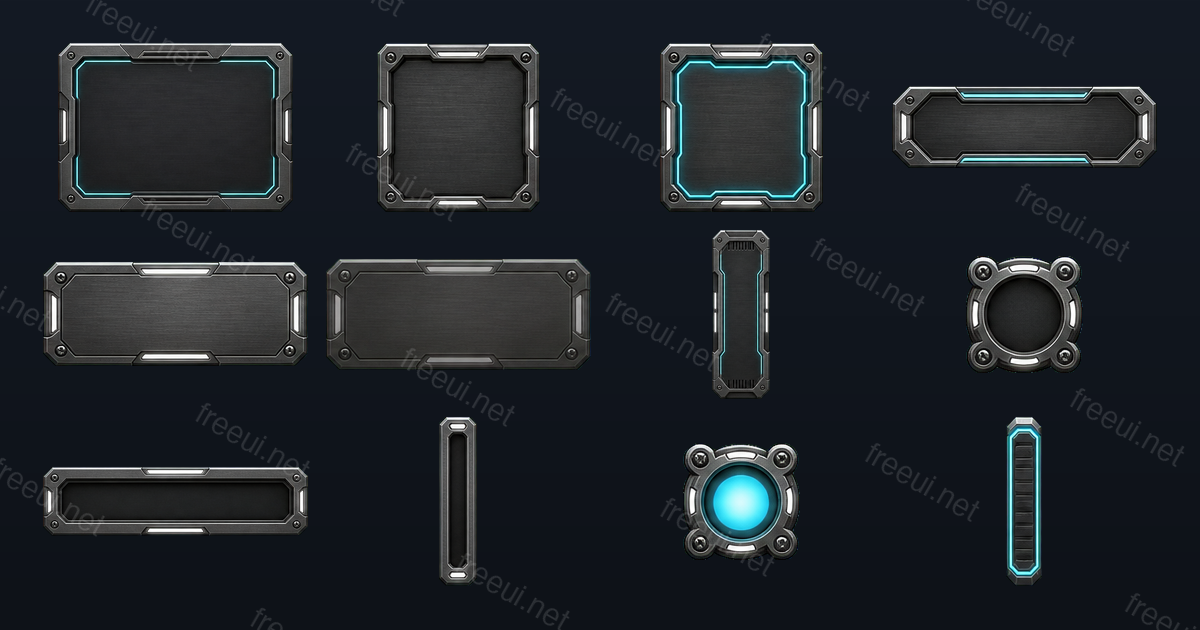 Sci-Fi Metal Panels 12 assets · Sci-Fi
 -
 Sci-Fi Interface Icons 12 assets · Sci-Fi
 -
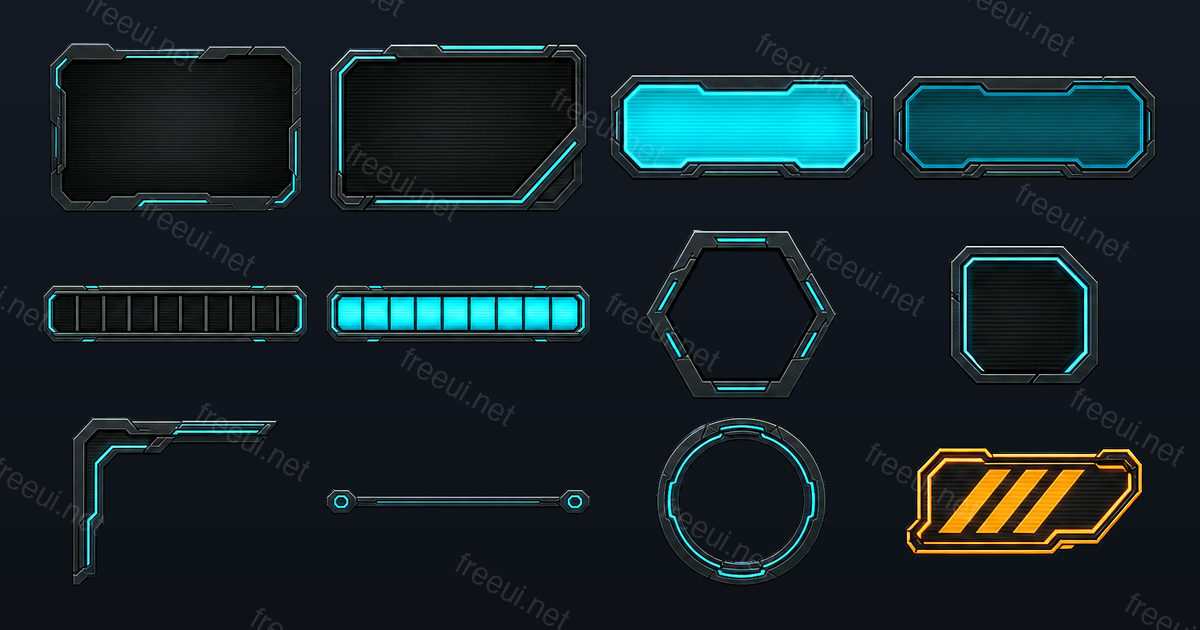 Sci-Fi HUD Frames 12 assets · Sci-Fi
 -
 Fantasy RPG Badges & Icons 12 assets · Fantasy RPG
 -
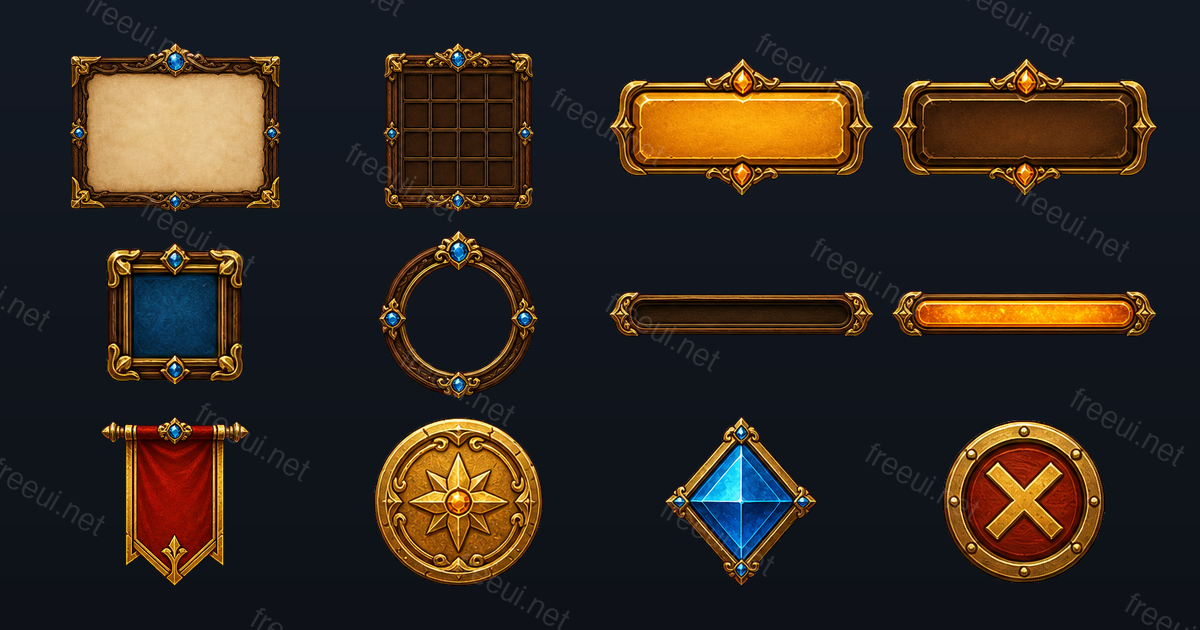 Fantasy RPG Frames & Panels 12 assets · Fantasy RPG
 -
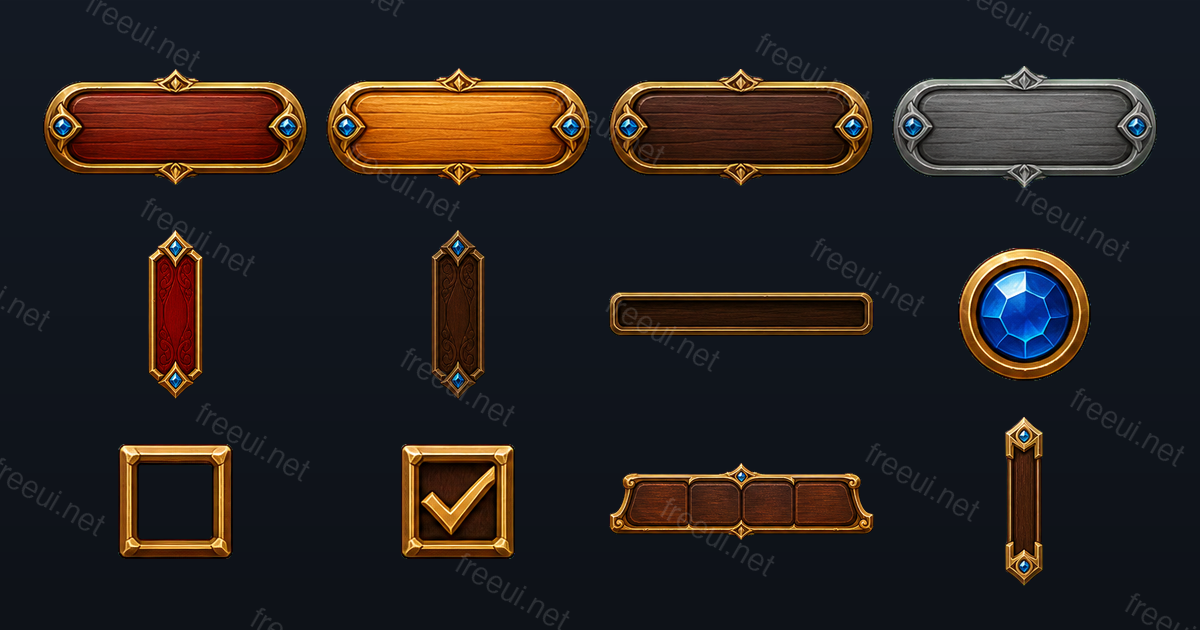 Fantasy RPG Buttons & Controls 12 assets · Fantasy RPG
 -
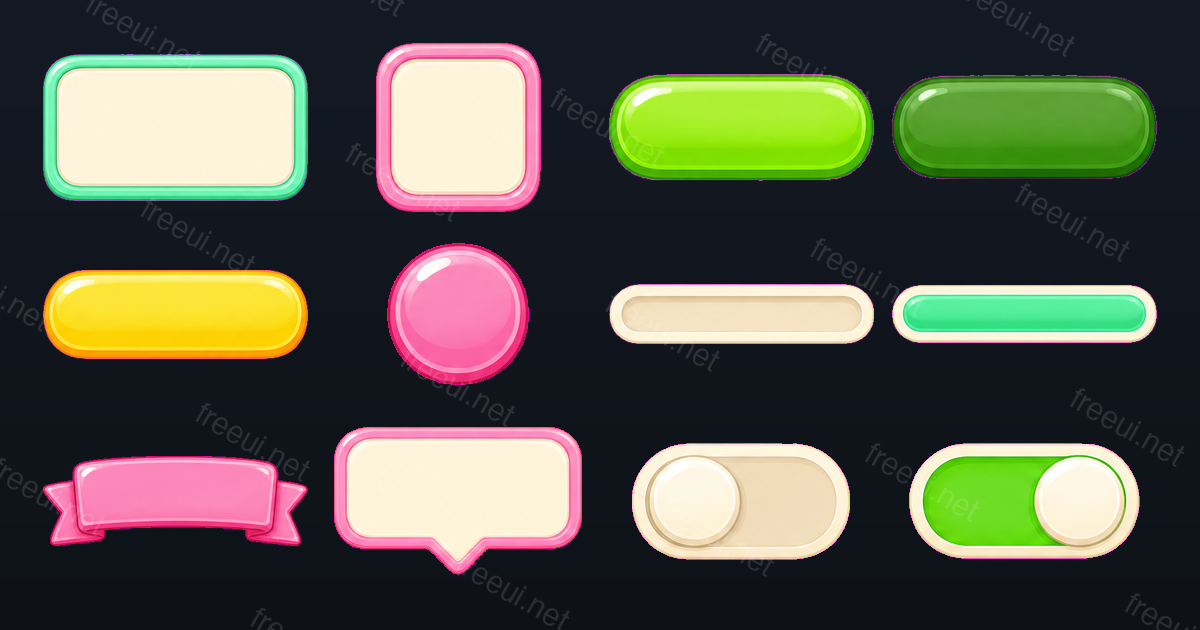 Candy Casual Panels & Bars 12 assets · Casual
 -
 Candy Casual Icons 12 assets · Casual
 -
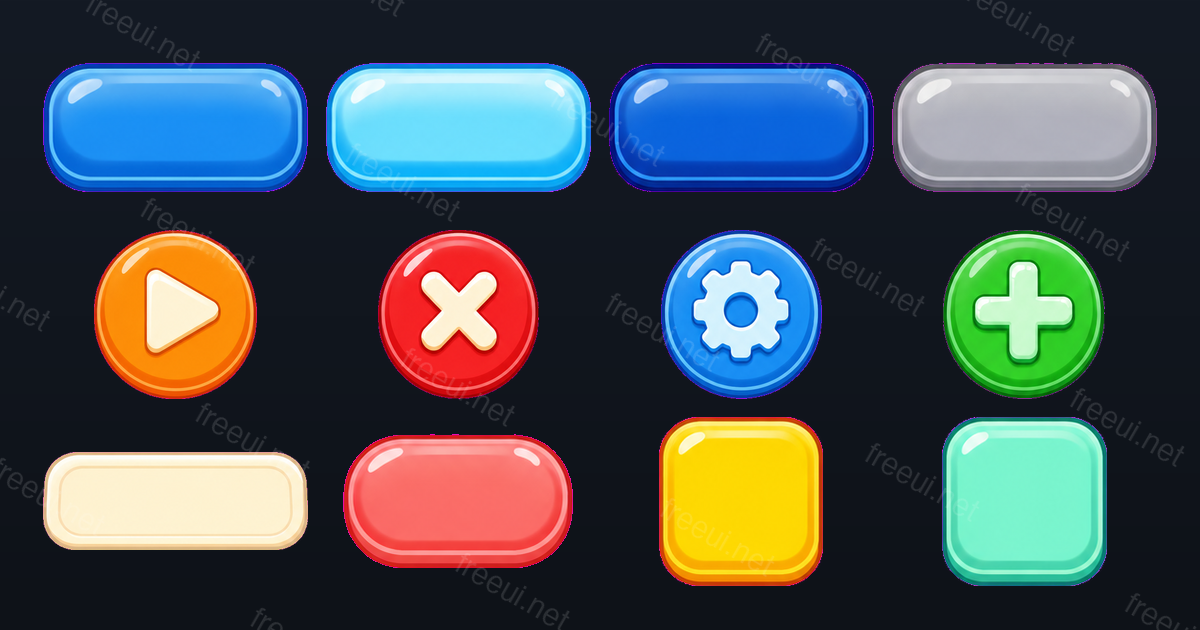 Candy Casual Buttons 12 assets · Casual
Want this output for your own art style?
Every pack here was produced by CozyUI — upload a screenshot or a mockup and get the same layered PNGs, measured 9-slice margins and Godot 4 files built around your design.